
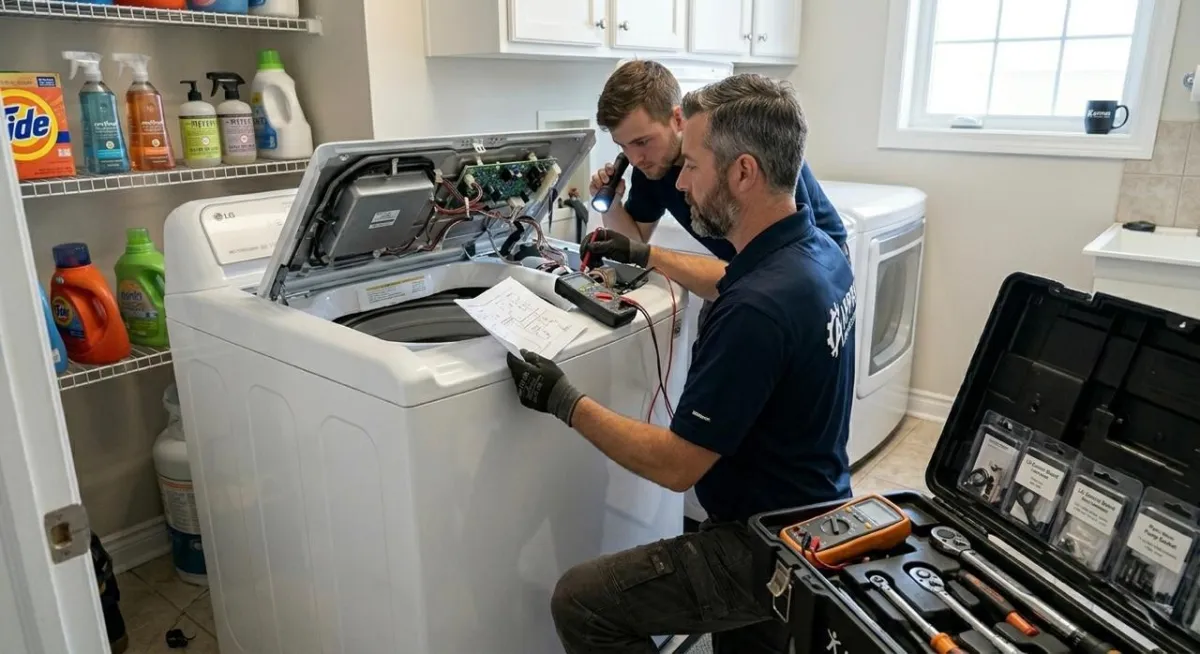
LG Washing Machine Error Codes: Troubleshooting Guide 2026
Modern laundry appliances are impressive pieces of engineering, built to make everyday chores easier through efficiency and precision. Still, even the most advanced machines can occasionally run into issues that appear as confusing codes on the display. If you’re a homeowner in 2026, learning what these signals mean can make a real difference in keeping your appliance running smoothly for longer. Sometimes the issue is as simple as a wrong setting, while other times it may point to a technical fault that needs attention.
In this blog, we’ll walk you through the most common troubleshooting steps for LG systems and help you understand when a quick fix is enough to get things back to normal.
Understanding Why Your Appliance Displays Error Codes
When an LG washing machine stops mid-cycle and shows a code, it is essentially trying to communicate with you. These codes are triggered by the internal diagnostic system, which monitors sensors throughout the unit. If a sensor detects an anomaly-such as a water flow issue, a door lock failure, or a balance problem the machine halts operations to prevent further damage. In the 2026 landscape of home technology, these systems are more sensitive and precise than ever, ensuring that your machine runs safely and efficiently.
It is helpful to view these codes as an early warning system. Rather than ignoring them or forcing the machine to restart repeatedly, taking the time to interpret the specific error allows you to address the root cause. This proactive approach not only saves time but can also extend the lifespan of your appliance significantly.
Common LG Washing Machine Error Codes and Their Solutions
Now that we understand the purpose behind these diagnostic notifications, let’s look at the specific codes you are most likely to encounter. While many issues can be resolved with simple home maintenance, others require expert intervention. Below, we cover the four most common codes users report and how to handle them effectively.
How to Resolve an LG Washing Machine CL Code
The lg washing machine cl code is one of the most frequently misunderstood indicators on LG washers. In reality, it is not a technical error but a safety feature called Child Lock. It prevents accidental changes to settings during a wash cycle. Many users mistake it for a malfunction, but it simply means the control panel is locked.
Key points to understand and fix it:
The lg washing machine cl code stands for Child Lock activation
It disables all control panel buttons during operation
Usually activated by holding a “Child Lock” button for 3–5 seconds
Some models require a combination of two buttons
If it doesn’t turn off, a control panel glitch or reset may be needed
Persistent issues may require professional inspection of the interface board
Dealing with an LG Washing Machine IE Code
The LG washing machine IE code indicates that the appliance is having trouble filling with water. This issue is usually related to water supply problems or blockages in the inlet system. In most cases, it is not a serious fault and can be resolved with basic checks at home before considering technical repair.
Key troubleshooting points:
Ensure both hot and cold water taps are fully turned on
Check inlet hoses for kinks, bends, or blockages
Clean the mesh filter screens at the hose connection points
Confirm that household water pressure is sufficient
Inspect the inlet valve if the issue continues after cleaning and checks
Restart the machine after completing basic maintenance steps
Troubleshooting an LG Washing Machine LE Code
The lg washing machine le code is more serious compared to other errors, as it relates to motor function. It usually appears when the drum is overloaded or when the motor is under excessive strain. This code is designed to protect the washer from mechanical damage.
Important troubleshooting steps:
The lg washing machine le code indicates a locked motor issue
Turn off and unplug the machine before inspection
Reduce load size, especially heavy fabrics
Check for tangled or unbalanced items in the drum
Restart after a 10-15 minute reset period
If recurring, motor sensor or wiring may be faulty
Professional repair is recommended for persistent cases
Fixing an LG Washing Machine UE Code
The LG washing machine UE code appears when the washing machine detects that the load inside the drum is unevenly distributed. This imbalance can prevent the drum from spinning properly and may cause excessive vibration during the cycle. The machine automatically pauses to protect internal components and maintain stability.
Key troubleshooting points:
Pause the cycle and open the drum to redistribute clothes evenly
Avoid washing single heavy items without balancing them with smaller ones
Reduce load size if the drum is overloaded
Make sure the washing machine is level on the floor
Adjust the leveling feet if the unit is unstable or wobbling
Restart the spin cycle after correcting the load balance
Preventive Maintenance Tips
Regular maintenance is the best way to prevent these codes from appearing in the first place. By incorporating a few simple habits into your laundry routine, you can avoid unnecessary downtime and expensive repairs.
Clean the Filters Regularly: Whether it is the inlet hoses or the drain pump filter, keeping these clear of debris ensures optimal water flow and drainage.
Don't Overload the Machine: Always follow the weight guidelines in your user manual. An overloaded machine is a leading cause of mechanical strain and imbalance errors.
Use the Right Detergent: Use high-efficiency (HE) detergent only. Too much soap creates excessive suds, which can confuse sensors and lead to drainage issues.
Keep the Drum Dry: Leave the door slightly ajar after each load to allow the interior to air out, which prevents mold and mildew buildup around the door gasket.
By following these practices, you ensure that your appliance remains a reliable part of your home throughout 2026 and beyond.
Conclusion
Encountering an error code on your LG washing machine does not have to be a stressful experience. By understanding what the lg washing machine cl code, lg washing machine ie code, lg washing machine le code, and lg washing machine ue code mean, you are already halfway to a resolution. Most issues are minor and can be fixed with basic troubleshooting steps like clearing debris, redistributing laundry, or checking water supply lines.
However, recognizing when a problem is beyond simple home repair is just as important. If you have exhausted all self-help options and your machine still shows an error, don't hesitate to seek professional help. Regular care and proactive troubleshooting will keep your laundry routine running smoothly throughout 2026. Should you need expert assistance, the team at Appro appliance service is always ready to provide the professional support needed to keep your household running efficiently.


