
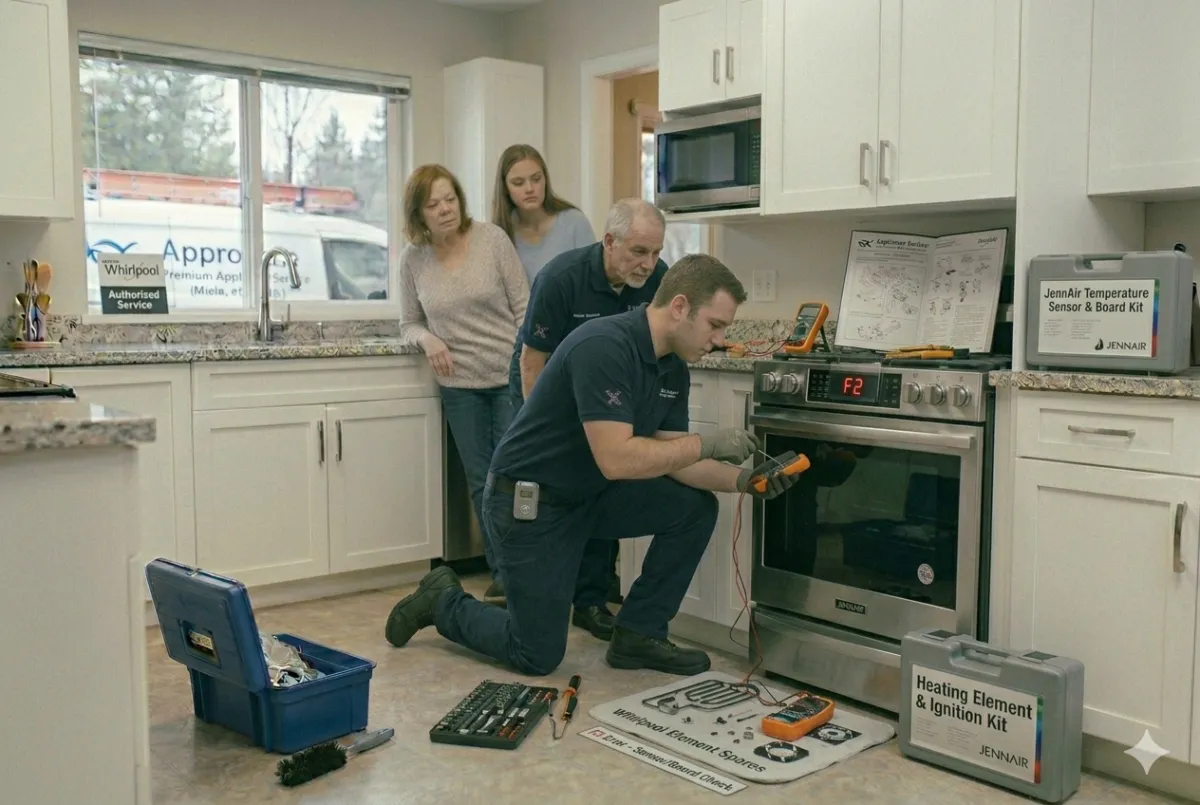
Jenn-Air Oven F2 Error: Easy Fixes and Common Causes(2026 Update)
If your Jenn-Air oven suddenly displays an F2 error code, it usually indicates an overheating issue that should not be ignored. According to the latest appliance repair insights, the F2 error is most commonly linked to a faulty temperature sensor, damaged wiring, or a malfunctioning electronic control board. Understanding the cause can help you prevent costly repairs and restore safe oven operation.
What Causes a Jenn-Air Oven F2 Error Code?
The F2 error appears when the oven detects temperatures higher than normal during baking or self-cleaning cycles. Common causes include a defective oven temperature sensor, loose electrical connections, damaged sensor wiring, or a failing control board. Based on updated 2026 troubleshooting recommendations, checking the sensor resistance is often the first diagnostic step professionals perform.
Quick Fixes You Can Try
Start by turning off power to the oven for several minutes and then restarting it. Inspect visible wiring connections for damage or corrosion. If the error returns, test the oven temperature sensor and replace it if readings are outside manufacturer specifications. In some cases, the electronic control board may require professional repair or replacement.
How to Prevent the F2 Error?
Regular oven maintenance can significantly reduce the risk of F2 errors. Keep vents clear, avoid excessive grease buildup, and schedule periodic inspections of sensors and electrical components. Following current 2026 appliance maintenance guidelines can help extend the life of your Jenn-Air oven and improve cooking performance.
If your Jenn-Air oven continues showing the F2 error code after troubleshooting, contact Appro Appliance Services for fast, professional diagnosis and repair. Our experienced technicians provide reliable oven repair solutions to keep your kitchen running safely and efficiently.


