
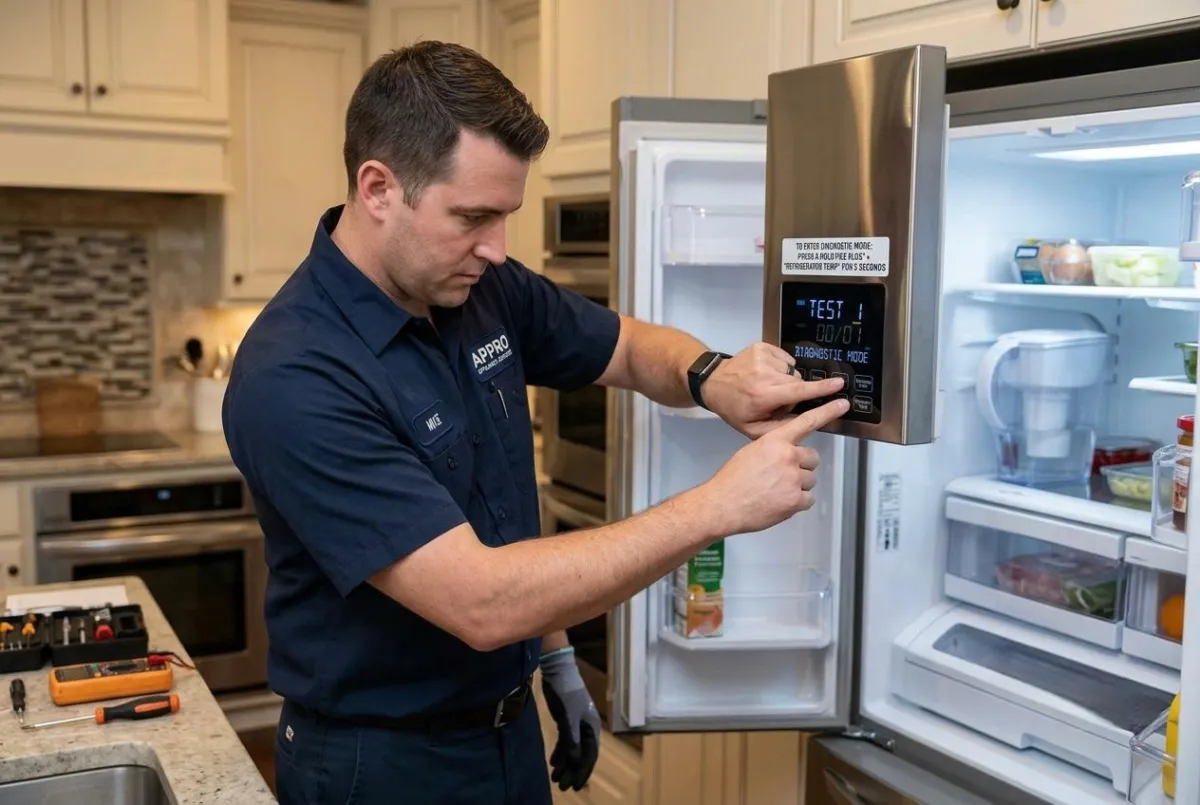
How to Enter LG Refrigerator Diagnostic Mode (2026 Guide)
If you're trying to troubleshoot cooling problems, error codes, or unusual performance, knowing how to enter diagnostic mode on an LG refrigerator can save time. According to 2026 updated appliance service recommendations, diagnostic mode helps identify hidden faults before they become costly repairs. While the process is useful, it should be performed carefully to avoid changing settings unintentionally.
Why Use Diagnostic Mode on an LG Refrigerator?
Diagnostic mode allows the refrigerator to test important components such as the compressor, evaporator fan, condenser fan, defrost system, and temperature sensors. According to 2026 updated information, this feature is designed for technicians but can also help homeowners verify whether a specific part is malfunctioning.
Many LG models enter diagnostic mode by pressing and holding specific buttons on the control panel for several seconds. The exact button combination varies depending on the refrigerator model, so checking your owner's manual is recommended. Once activated, the refrigerator performs automatic system checks and may display error codes that point to the source of the problem.
Common Issues Found in Diagnostic Mode
During testing, diagnostic mode may reveal problems such as:
Defective temperature sensors
Compressor or inverter issues
Evaporator fan failures
Defrost heater malfunctions
Communication errors between control boards
Ice maker or water dispenser faults
These tests help narrow down the cause of cooling issues, unusual noises, or inconsistent temperatures.
Steps to Enter Diagnostic Mode Safely
Although procedures differ by model, the general process includes:
Ensure the refrigerator is plugged in and powered on.
Close all refrigerator doors completely.
Press and hold the required control panel buttons for approximately 5–10 seconds.
Wait for the display or internal components to indicate that diagnostic mode has started.
Observe any displayed error codes or listen for component testing.
Exit diagnostic mode by following the manufacturer's instructions or disconnecting power briefly if required.
According to 2026 updated service guidelines, forcing diagnostic mode incorrectly or repeatedly may interrupt normal operation on some newer LG refrigerator models. If the refrigerator displays multiple error codes or fails to complete the test cycle, professional diagnosis is recommended.
Attempting repairs without proper tools can lead to additional damage, especially when dealing with electronic control boards, sealed refrigeration systems, or inverter compressors. If your refrigerator continues showing cooling problems after diagnostics, an experienced technician can accurately identify and repair the underlying issue.
When you need reliable refrigerator repair, trust Appro Appliance Services. Our experienced technicians diagnose and repair LG refrigerators quickly and professionally. We proudly offer 15% off labor for senior citizens and military members, helping you receive expert appliance service at an even better value. Contact Appro Appliance Services today for fast, dependable LG refrigerator repairs and expert diagnostic assistance.


