
How Do I Fix The D80 Code On My LG Dryer? (2026 Updated Guide)
If you're wondering how do I fix the D80 code on my LG dryer, you're not alone. The D80 error usually means your dryer detects about 80% airflow restriction. This warning helps prevent overheating, longer drying cycles, and unnecessary wear on your appliance. In most cases, the problem is caused by lint buildup or a blocked vent system rather than a faulty dryer.
What Causes the LG Dryer D80 Code?
The D80 code appears when airflow cannot move freely through the exhaust system. According to 2026 updated service practices, the most common causes include clogged lint filters, crushed vent hoses, blocked exterior vents, or excessive lint inside the ductwork. Cleaning the lint screen after every load and inspecting the vent regularly can often eliminate the error before it becomes a bigger issue.
How Do I Fix the D80 Code?
Start by unplugging the dryer and cleaning the lint filter thoroughly. Next, disconnect the vent hose and remove any lint or debris from both the hose and the wall duct. Check the outdoor vent flap to ensure it opens freely. After reconnecting everything, run the dryer again to see if the D80 code disappears.
When Should You Call a Professional?
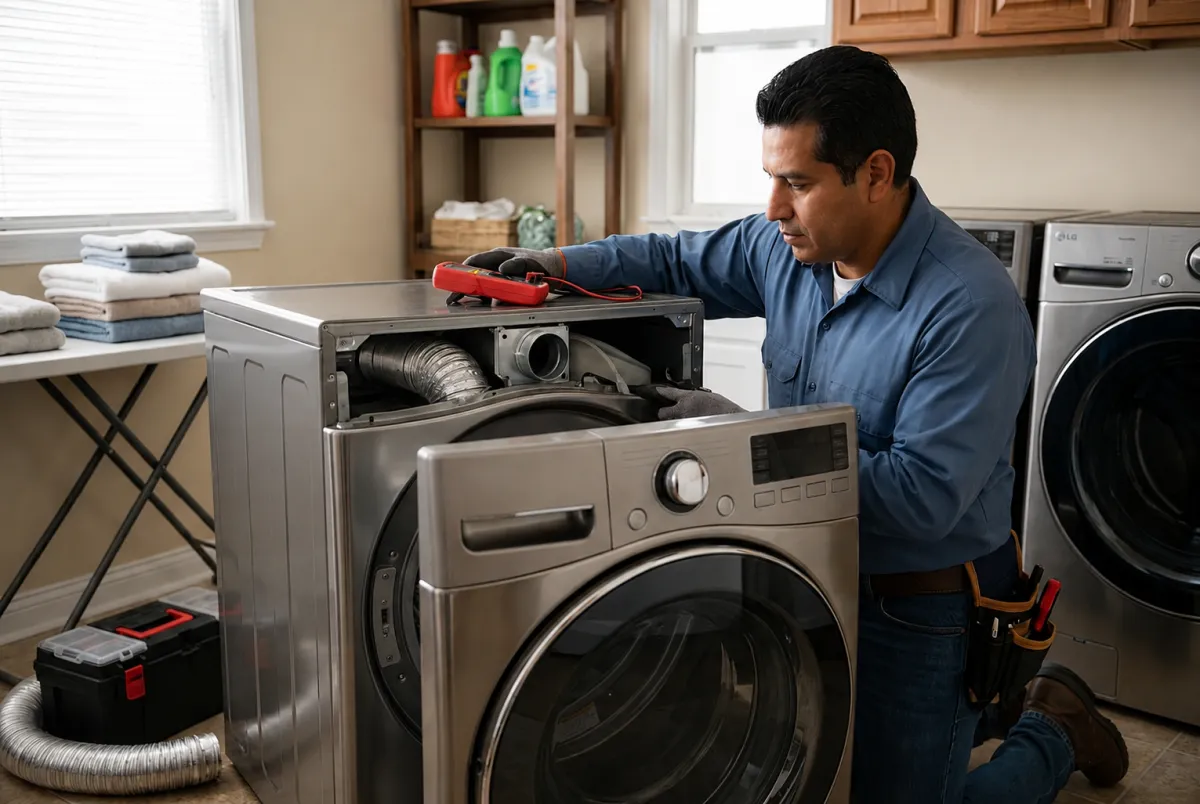
If the error remains after a complete vent cleaning, the issue could involve a damaged blower, airflow sensor, or an improperly installed vent system. Based on 2026 updated repair guidelines, professional inspection is the safest way to restore proper performance and prevent future overheating.
For fast, reliable LG dryer diagnostics and repairs, contact Appro Appliance Services. Our experienced technicians quickly identify the cause of the D80 code and restore your dryer to safe, efficient operation.


