
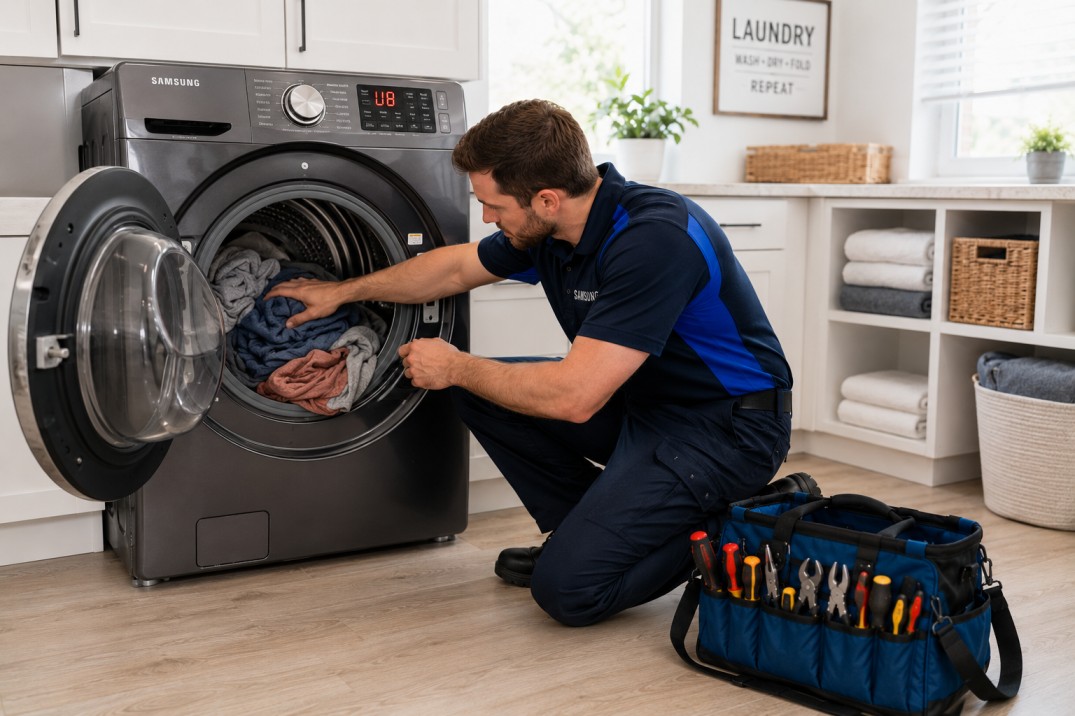
Fix UB Error Code on Samsung Washer l Quick & Easy Solutions 2026
Introduction
Seeing an error code on your washing machine can be frustrating, especially when you're in the middle of doing laundry. If your Samsung washer displays the "UB" error code, you might be wondering what it means and how to fix it. This blog will explain what the "UB" error code is, the common causes behind it, and provide step-by-step instructions to fix and prevent it from happening in the future.
What Does UB Mean on Samsung Washer?
The "UB" error code on a Samsung washer stands for "Unbalanced." This error occurs when the washer detects an uneven load inside the drum that prevents it from spinning correctly. To avoid damaging the machine, it stops spinning and displays the error code. Understanding what causes this error can help you take steps to prevent it and ensure your washer runs smoothly.
Common Causes of the UB Error
Uneven Distribution of Clothes
One of the most common causes of the "UB" error is uneven distribution of clothes in the drum. When clothes clump together, especially heavier items, they create an imbalance that the washer can't correct on its own. For instance, washing bulky items like towels or bedding with lighter items can lead to uneven weight distribution. It's crucial to distribute the load evenly to avoid this issue.
Overloading the Washer
Putting too many items in the washer can also cause the "UB" error. When the drum is overloaded, it struggles to spin properly, leading to an imbalance. Overloading not only triggers the UB error but can also reduce the washing machine's efficiency and lifespan. It's essential to follow the manufacturer's guidelines on load capacity to prevent overloading.
Underloading the Washer
Surprisingly, washing very small loads can also result in an imbalance. With too few items, the weight isn't evenly distributed, which can trigger the "UB" error. Washing very small loads or single items can cause the washer to become unbalanced. Adding a few more items can help balance the load.
Items Stuck in the Drum
Objects like coins, buttons, or other small items can get stuck in the drum and cause an imbalance. These items can also potentially damage the washer if not removed. Regularly checking and cleaning the drum before and after each wash can help prevent such issues.
How to Fix the UB Error in Samsung Washing Machine
Step-by-Step Guide to Fixing the UB Error
1. Pause the Washer
As soon as you see the "UB" error, pause the washer to stop the cycle. This will prevent any further issues and allow you to address the problem safely. Pausing the washer also ensures that the clothes don't get tangled further, making it easier to redistribute them.
2. Open the Door
Carefully open the washer door to access the drum. Make sure the washer has come to a complete stop before doing so. Opening the door allows you to assess the situation and identify any visible imbalances or items that might be causing the error.
3. Redistribute the Clothes
Take some time to spread the clothes evenly around the drum. Ensure that heavy items are balanced with lighter ones to create an even load. Properly distributing the clothes helps the drum spin more smoothly, reducing the chances of an unbalanced load.
4. Remove Excess Items
If you realize the washer is overloaded, remove some items to reduce the load. This will help the washer to spin properly without triggering the error code. Overloading can put extra strain on the washer, leading to more frequent errors and potential damage.
5. Balance Smaller Loads
If you have a small load, consider adding a few more items to balance the weight. Washing similar items together can help achieve better balance. For example, if you're washing a single heavy item like a towel, add a few smaller items to distribute the weight evenly.
6. Restart the Washer
Close the door and restart the washing cycle. Monitor the washer to see if the error is resolved and the machine spins correctly. Restarting the washer after making adjustments allows you to see if the steps you took were effective in balancing the load.
Tips to Prevent UB Errors
Practical Tips for Avoiding UB Errors
Avoid Overloading
Always follow the manufacturer's guidelines on load capacity. Overloading your washer can not only cause the "UB" error but also reduce the efficiency and lifespan of the machine. Proper load management ensures your washer operates optimally and reduces the risk of errors.
Distribute Clothes Evenly
Mix large and small items to help balance the load. Avoid washing heavy items like towels or jeans together without balancing them with lighter clothes. Even distribution of clothes helps the drum maintain balance during the spin cycle.
Select the Right Cycle
Use the appropriate washing cycle for the type of laundry you are washing. Some cycles are designed to handle heavier or more delicate items better, reducing the risk of imbalance. Choosing the right cycle helps in managing the load better and prevents errors.
Related Error Codes and Their Meanings
Understanding other related error codes can also be helpful when troubleshooting your Samsung washer:
What Does UR Mean on Samsung Washer?
The "UR" code, similar to the "UB" error, indicates an unbalanced load and is more commonly seen in older models. Following similar steps to redistribute the load can help resolve this error.
How to Fix LC Error in Samsung Washing Machine
The "LC" error indicates a leak or drainage issue. Check for any visible leaks and ensure the drain hose is properly connected and not blocked. Addressing these issues promptly can prevent further damage to your washer.
What is the U6 Code on Samsung Washer?
Similar to the "UB" error, the "U6" code also signals an unbalanced load. Follow similar steps to redistribute the clothes and balance the load. Understanding and addressing these related errors helps in maintaining the overall health of your washer.
Conclusion
Understanding the "UB" error code on your Samsung washer and knowing how to fix it can help you maintain your appliance and avoid unnecessary repairs. By balancing your loads, avoiding overloading, and using the correct washing cycles, you can prevent the "UB" error from occurring. If the problem persists despite following these steps, it might be time to consult a professional appliance repair service.
By addressing common causes and providing clear solutions, this guide aims to assist those who need appliance repair services or prefer to repair their appliances themselves. Regular maintenance and proper usage of your washing machine can significantly reduce the occurrence of such errors, ensuring a longer lifespan and better performance of your appliance.


