
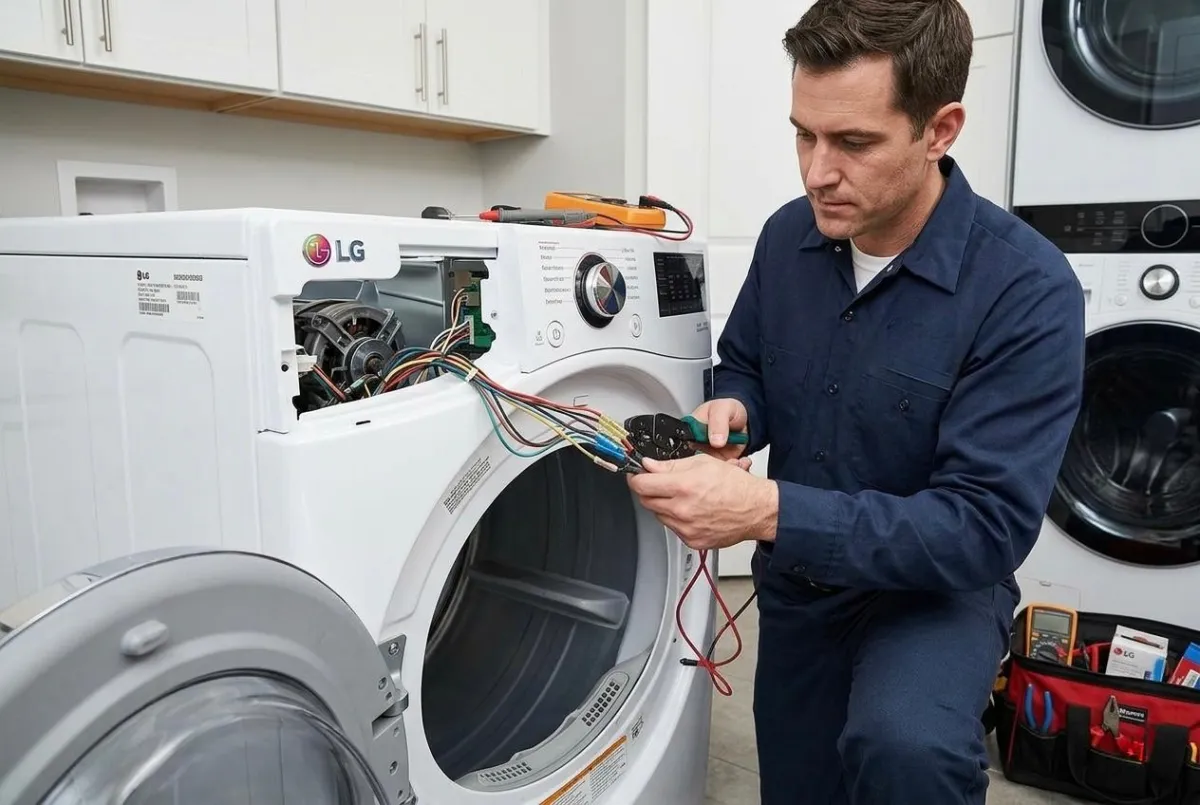
Fix LG Dryer D80 Code Flow Sense Error (2026 Guide)
The LG dryer D80 code Flow Sense error warns about restricted airflow inside the dryer vent system. A clogged vent, crushed hose, or lint buildup can reduce drying performance and create overheating risks. Fixing the issue quickly helps your dryer run safely and efficiently.
What Causes LG Dryer D80 Code?
The most common reason for the LG dryer D80 code is blocked airflow. Lint buildup inside the vent hose or outside exhaust vent prevents hot air from escaping. In some cases, long vent lines or bent ducts also trigger the Flow Sense error. Cleaning the lint filter after every cycle can help reduce future airflow problems.
How to Fix LG Dryer D80 Code at Home
Start by unplugging the dryer and disconnecting the vent hose. Remove lint buildup from the hose and inspect the outside vent opening for debris. Make sure the duct is not crushed behind the appliance. After cleaning, restart the dryer and run a short cycle to see if the error disappears.
When to Call a Professional
If the LG dryer D80 code keeps returning, the blockage may be deeper inside the vent system or the dryer could have a faulty sensor. Professional inspection helps prevent overheating and improves dryer efficiency. Appro Appliance Services provides reliable dryer repair and vent cleaning solutions for LG appliances.


